OpenClaw: What It Is and How to Get the Most Out of It

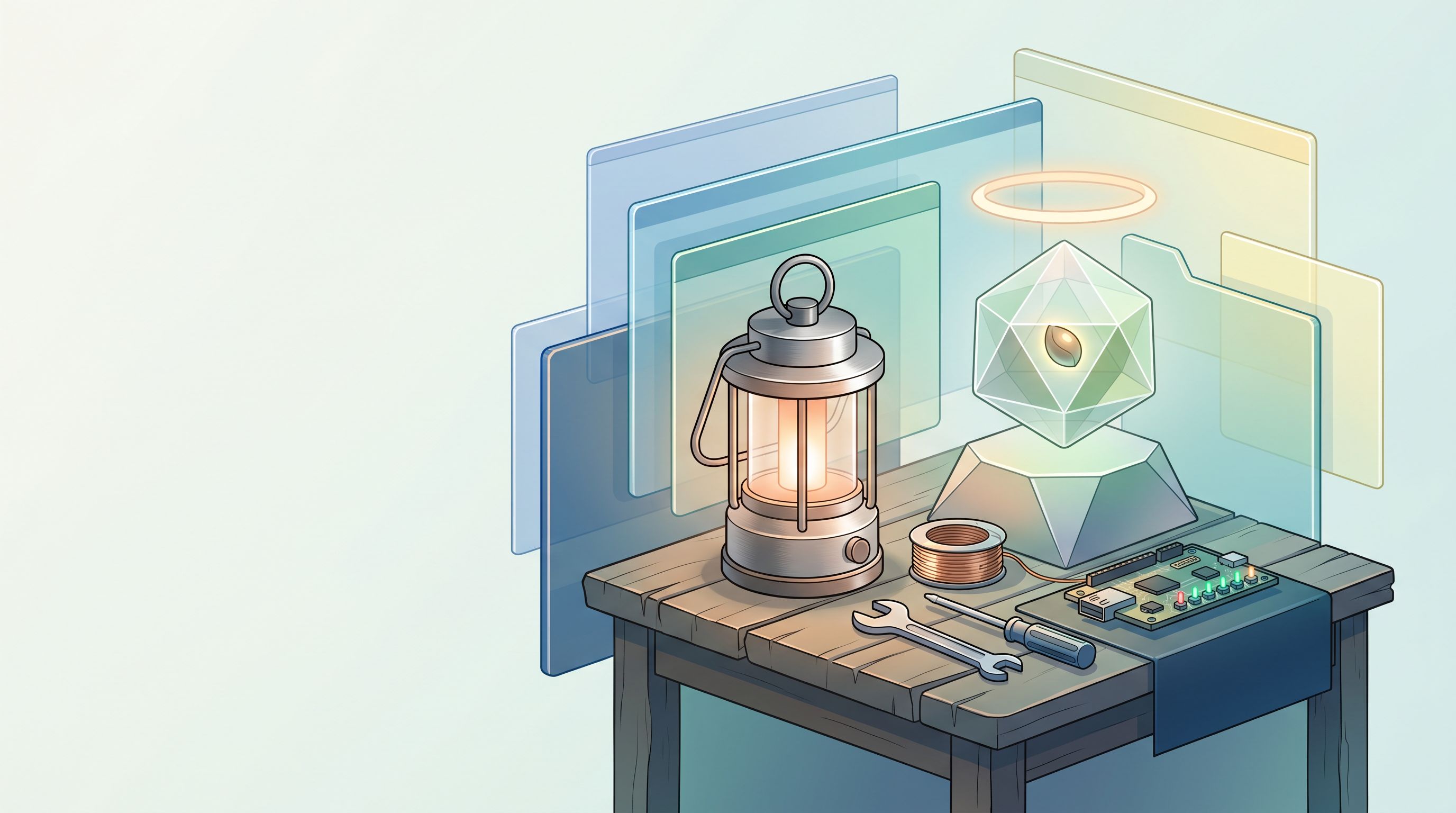
The default path for AI adoption is rent. Twenty dollars per seat per month. Your prompts on someone else's server. Workflows that die when their API hiccups.
For a small team, that is not leverage. It is a subscription trap dressed up as productivity.
OpenClaw is the exit ramp. Open source assistant on your hardware, controlled through chat apps you already live in. It started as a weekend project, hit a hundred thousand GitHub stars in a week, and became the reference implementation for sovereign local AI.
The take: run OpenClaw locally, connect one chat channel, ship one workflow that saves you real hours, then link it to your repo. That sequence turns curiosity into compounding advantage. Everything else is decoration.
What it actually is
OpenClaw is a small gateway on your machine. Bridge architecture:
- Your computer or server on one side.
- Telegram, WhatsApp, or similar on the other.
Install it, run the onboarding wizard, leave the gateway up. Messages in chat become actions on your metal. File system access, network access, shell commands if you allow them. Not a chatbot that summarizes PDFs. A remote control for the machine where you build.
Chat in, actions out. No dashboard login. No SaaS invoice.
How I run it
Fedora 43 workstation in my office. Always on. I talk to it through Telegram.
When I send a message, execution stays local. Server checks, build triggers, file moves, deploy hooks. I do not need to be at the desk. That single shift, pocket to production on my own hardware, is where the ROI shows up in the first week.
Why SMB founders should care
Small teams face a fake choice: burn cash on enterprise SaaS or burn time on manual glue work. Spreadsheets, Slack reminders, "I'll check the dashboard when I get back."
OpenClaw breaks that bind. Programmable layer where you already communicate (chat) running where you already build (local). You are not replacing your stack. You are giving yourself a faster interface to it.
The highest return workflows I see in practice:
Weekly reporting. Pull metrics, summarize performance, deliver a short client update in minutes instead of a Friday scramble. Fewer missed trends. More consistent communication.
Uptime and alerts. Service goes down, you hear before the client does. Faster response, less reputation damage, fewer "why did nobody notice" conversations.
Lightweight ops and research. Briefs, reminders, small automations, quick summaries. Stack these after the first win lands. Do not start here.
The bigger compounding move is repo linked execution. OpenClaw tied to your codebase can run builds, inspect output, publish without a CMS. I run server checks from my phone, get feedback, ship updates away from the desk. That bandwidth gain is not incremental. It changes how many clients one founder can serve.
How to set it up so it sticks
Most installs fail because people treat OpenClaw like a toy chatbot instead of infrastructure.
Run it locally. Data and uptime stay yours. Cloud wrappers reintroduce the dependency you were trying to escape.
Connect the channel you already use. Telegram is low friction for me. Pick the app you actually open fifty times a day.
One core workflow first. Analytics rollup, uptime ping, daily standup summary. Ship one thing that saves measurable time before you add ten more.
Link the repo. Build and publish from chat is where leverage compounds. Without repo access you have a fancy notification bot.
Four steps. Skip any of them and you stay in "AI curiosity" territory.
What I would not do again
Do not install twenty plugins on day one. Audit what you add the same way you audit npm dependencies. Do not give root to a gateway you have not read. Do not expect OpenClaw to replace judgment on client facing messages. It accelerates execution. You still own the call.
Lessons
OpenClaw wins for founders who want owned infrastructure and chat native control, not another SaaS seat. The market sells you rented intelligence because recurring revenue is good for vendors. Running your own gateway is good for builders who ship on their own metal.
Start small. One channel. One workflow. Repo access. Then expand.
Work with Kleto
I am James Cowan, founder of Kleto. We stand up OpenClaw for reporting, deploys, and client ops on stacks founders already run. Contact Kleto if that matches your workflow.
Footnotes
- OpenClaw origin and naming history, plus growth metrics: https://openclaw.ai/blog/introducing-openclaw
- Getting started overview and gateway setup: https://docs.openclaw.ai/start/getting-started
- OpenClaw official site overview: https://openclaw.ai
- GitHub repository: https://github.com/openclaw/openclaw